There’s this thing people do — they’ll guard their front door, lock their car, put a passcode on their phone — and then turn around and send their bank statement, their medical records, or their most personal photos through Gmail or Facebook Messenger like it’s perfectly fine. It’s not. The way you send private things matters just as much as what you’re keeping private.
If you’re on an iPhone, you already have one of the most secure messaging tools in existence sitting right there in your apps. And most people have no idea.
What makes Apple Messages different
iMessage uses end-to-end encryption for every text, photo, video, and document you send — which means the message is scrambled from the moment it leaves your phone to the moment it arrives on the other person’s screen.1 Nobody in the middle can read it. Not Apple, not your internet provider, not a hacker on the same Wi-Fi as you, not law enforcement without a court order — nobody.
When you send a photo or document through iMessage, it’s encrypted with a randomly generated 256-bit key that only the sender and recipient have.2 Even Apple itself cannot access it. That’s not a promise — it’s a mathematical fact built into how the system works.
Look for the blue bubble. Blue means iMessage. Green means SMS — which is not encrypted. If you need to send something sensitive, make sure you’re sending to someone with an iPhone and that the bubble is blue.
Facebook Messenger is not your friend
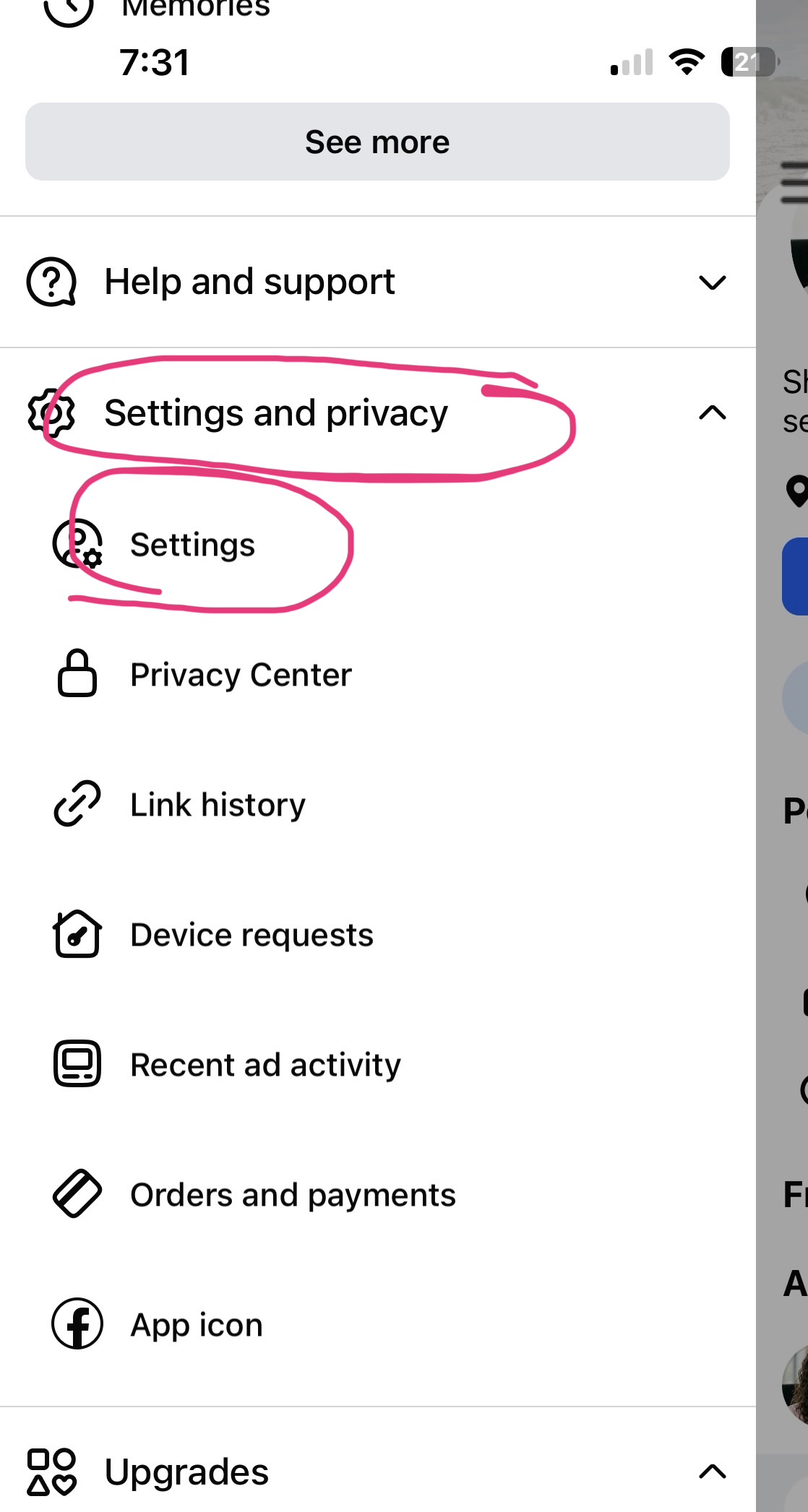
Let’s be direct: Facebook Messenger is a data collection tool that also lets you chat with people.
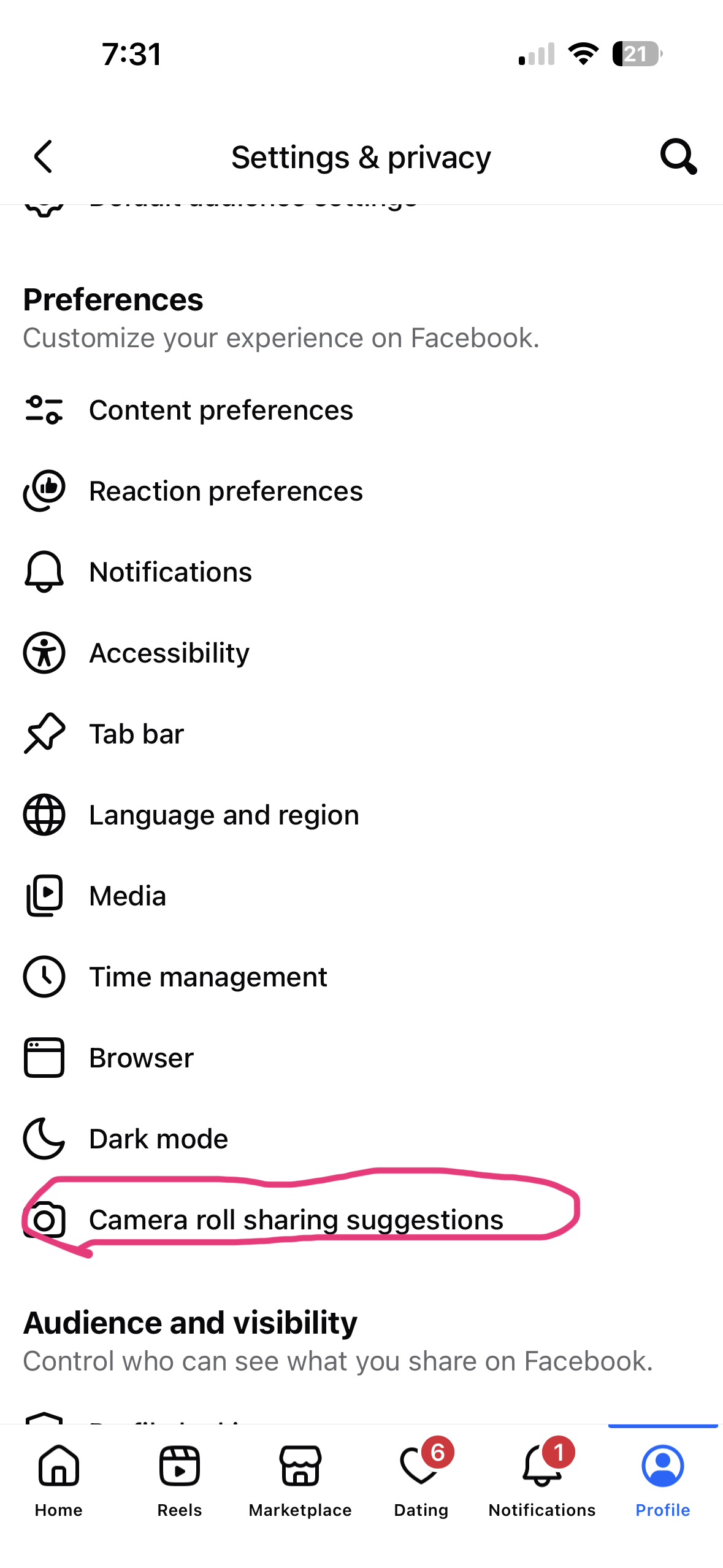
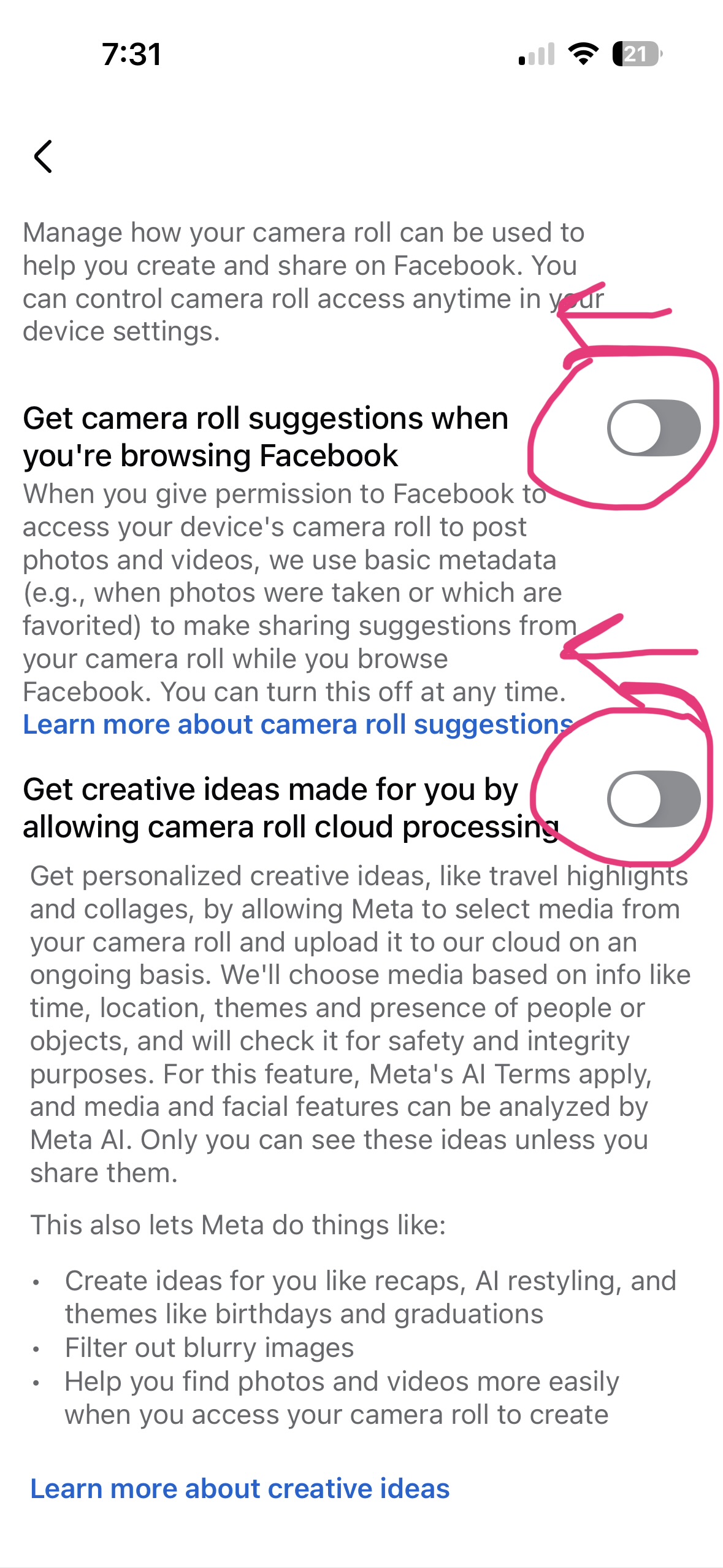
Meta collects everything — who you message, when, how often, from what device, where you were when you sent it, and increasingly, the content of those conversations to train its AI systems.3 A December 2025 policy update explicitly added Meta AI conversation data as a category they collect and use for model training.4 That data flows freely between Facebook, Instagram, Messenger, WhatsApp, and Threads — one big surveillance ecosystem wearing four different faces.
If you’re sending anything personal — a photo, a financial document, a conversation you wouldn’t want repeated — Messenger is the last place it should go.
WhatsApp has good encryption and terrible company
WhatsApp does use end-to-end encryption for message content, and that part is real. The problem is everything around the message.
WhatsApp collects your contact list, who you message and when, how often, for how long, your device information, your location, and your IP address.5 All of that metadata — the envelope, not the letter — gets shared with Meta and fed into the same advertising machine that powers Facebook. You may not be able to read the message, but Meta can build an extraordinarily detailed picture of your life just from knowing who you talk to and when.6
Encryption on the content means very little when the context of your entire social life is being sold.
Email is not private. Gmail especially.
Standard email was never built for privacy. It was built in an era when nobody imagined it would carry our most sensitive communications — and it shows.
Gmail processes the content of your emails to power features like Smart Reply, message summarization, and Gemini AI suggestions.7 Every email you send or receive passes through automated systems that scan, classify, and learn from what you write. Google maintains that your content isn’t used to train its public AI models — but it is used inside your account to personalize, predict, and prompt.8 Your private writing, your negotiations, your personal conversations — all of it is being read by a machine that works for Google.
And unlike iMessage, email is not end-to-end encrypted. It travels across servers where it can be intercepted, stored, and subpoenaed. Sending sensitive documents by email is a bit like mailing them on a postcard.
For anything private, use Apple’s Messages.
Medical records. Financial documents. Personal photos. Sensitive conversations. Anything you would put in a sealed envelope — that should go through iMessage, not Gmail, not Messenger, not WhatsApp.
The people receiving it need to be on Apple devices, and you need to see that blue bubble. But if those two things are in place, you’re using one of the most secure communication channels available to regular people. That’s worth knowing, and worth using.
Apple’s Messages Privacy Policy
Sources
- iMessage security overview — Apple Support ↩
- How iMessage sends and receives messages securely — Apple Support ↩
- All The Data Facebook Collects — Tuta ↩
- Meta Privacy: How Facebook and Instagram Handle Your Data — TermsBox ↩
- WhatsApp & Data Privacy in 2025 – Risks, GDPR & Alternatives — HeyData ↩
- WhatsApp Privacy Policy: What It Shares With Meta — TermsBox ↩
- Are AI tools such as Gmail’s Gemini accessing your emails? — Runbox ↩
- Does Google Read Your Email? What Gmail Scans in 2026 — GBlock ↩