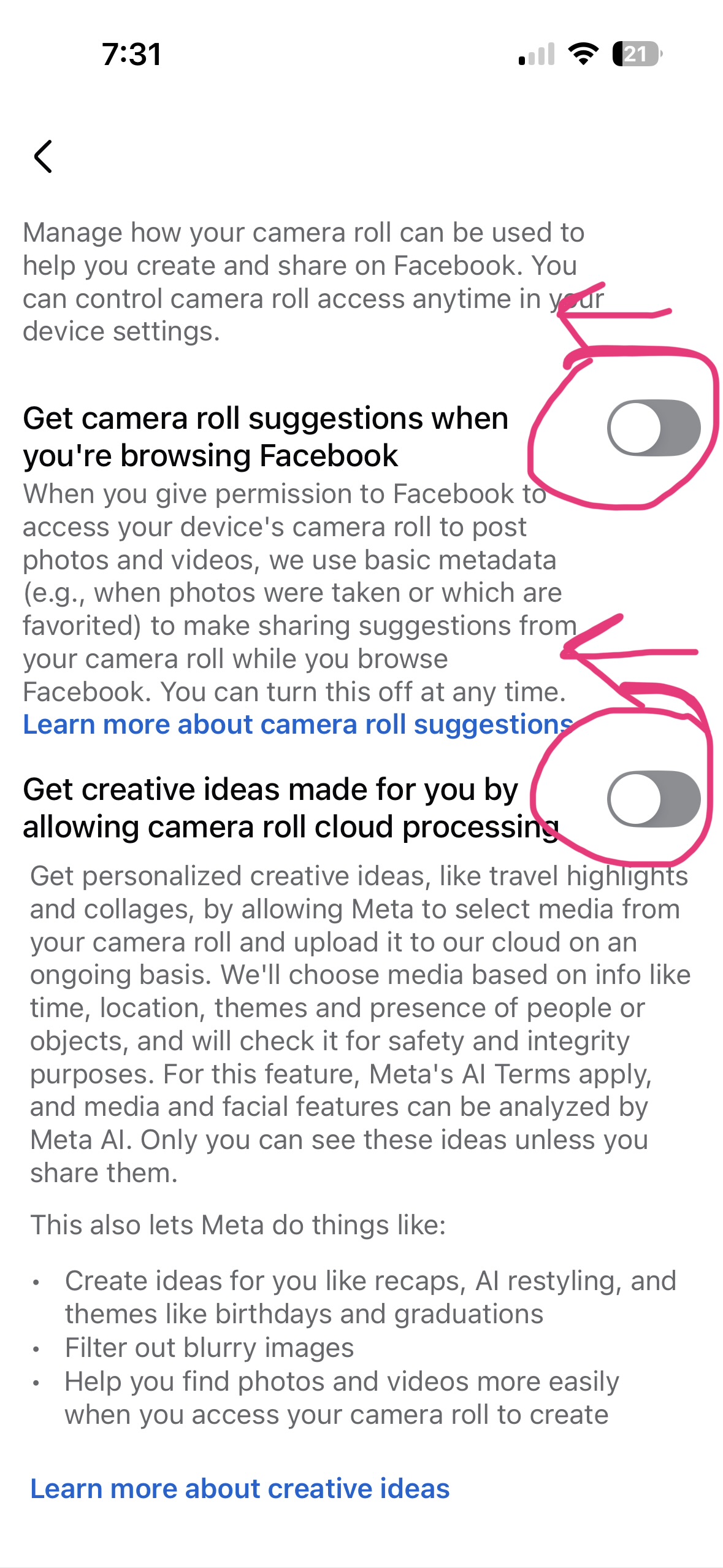
Are you tired of companies selling your private data for their own profit? Don’t you think if your private data gets sold, the only one to get paid is YOU? Then your data gets sold to another company. And everyone is profiting except for YOU!
What happens when these companies get hacked and your private data that has been sold is now on the black market? All of a sudden these companies are starting to piece together your entire life.
Start opting out of these shared lists as much as possible. And when you opt-out, let them know how much you despise this poor business practice which demonstrates these organizations care more about profit than the clients that buy their products and services.
Alliant Credit Union
Limit sharing by calling 1-800-328-1935.

AT&T
Opt-out from AT&T selling your information, well, as much as you can. https://www.att.com/consent/cpni
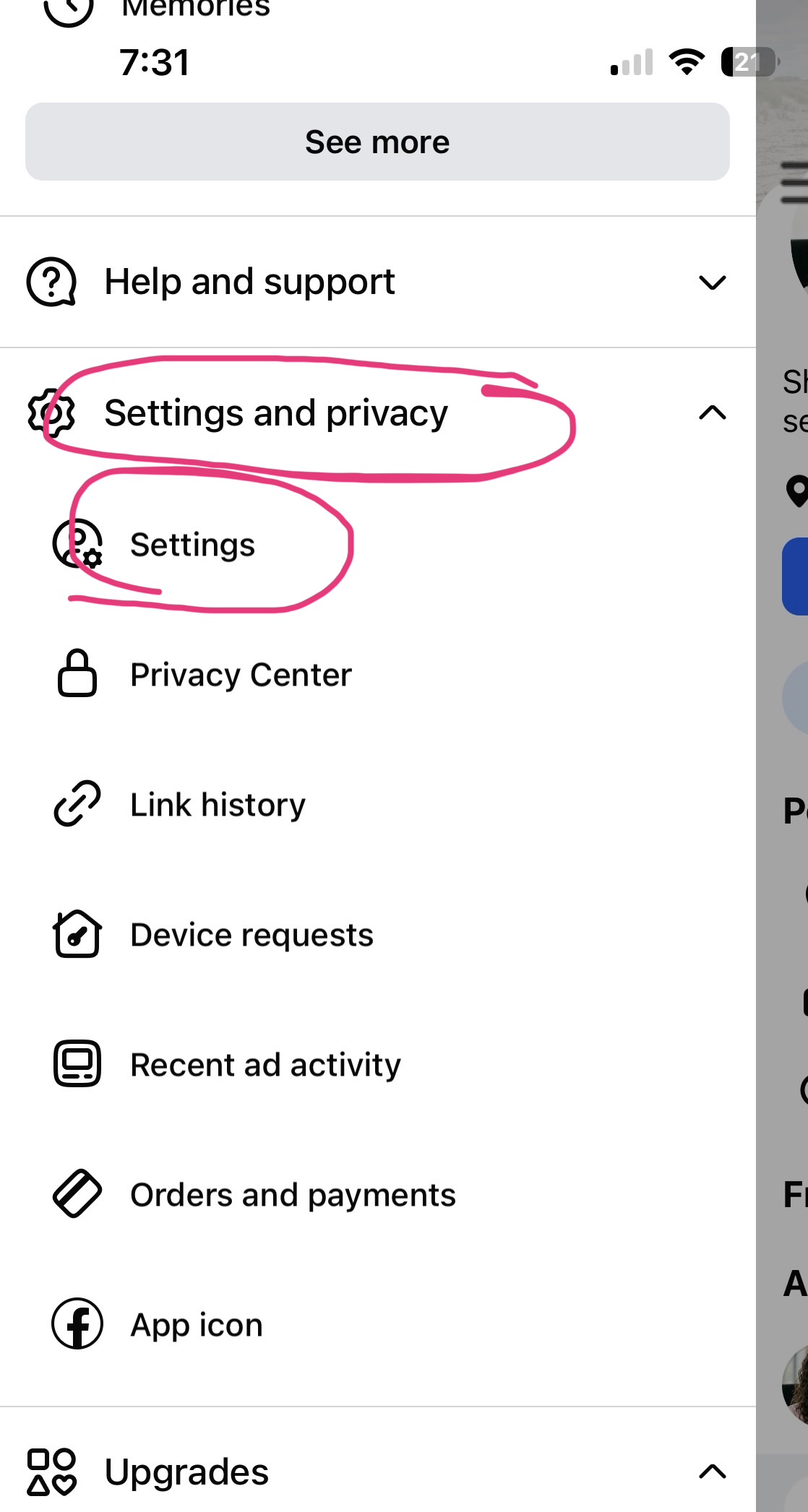
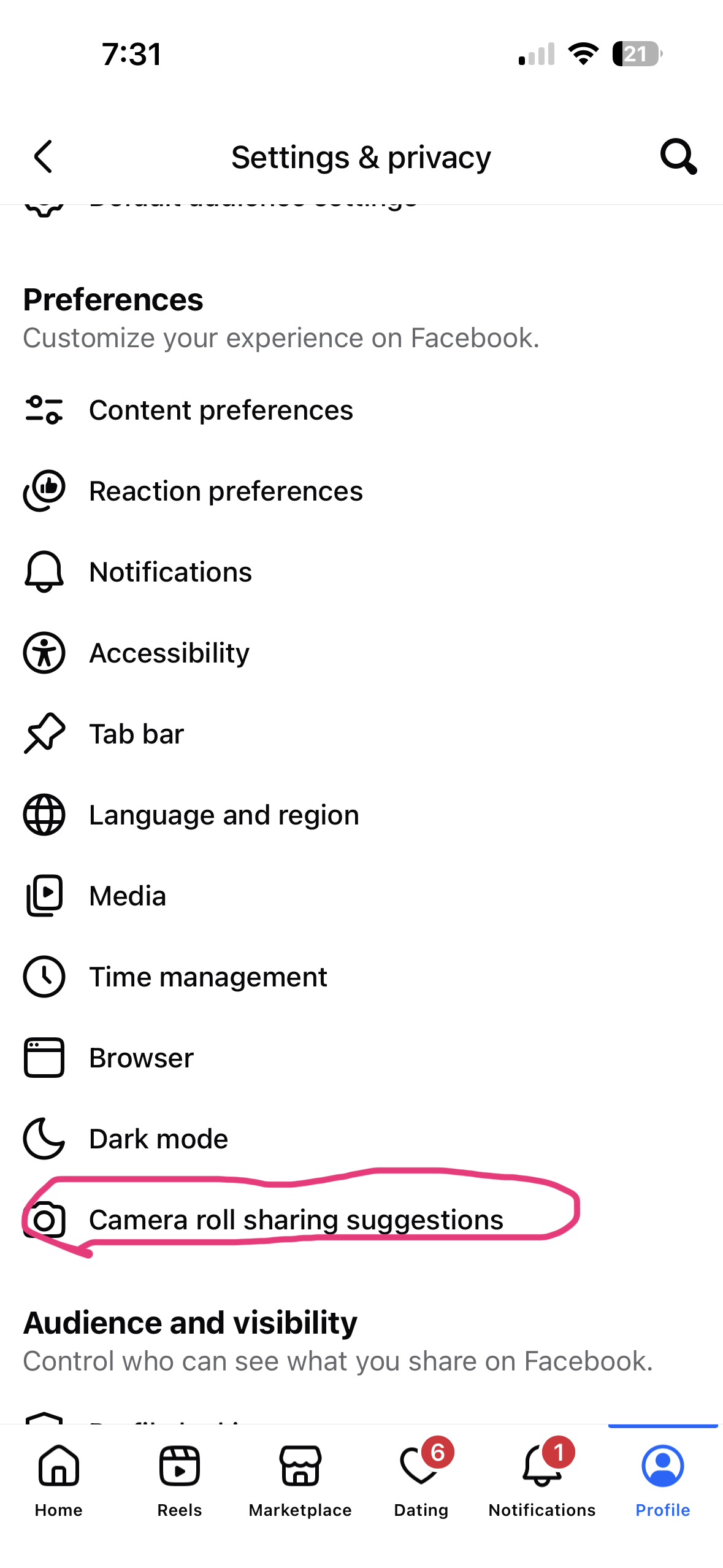
Google Maps
Gain privacy from Google Maps by having your home blurred on the satellite view. Google has a straightforward tool for this — here’s how:- Go to Google Maps and find your house in Street View
- Click the report a problem link (bottom right corner of the Street View image)
- This opens Google’s “Report Street View issue” form
- Use the tool to position the red box over your house
- Select “My home” as the reason (or “other” if it doesn’t apply cleanly)
- Add a note explaining you want it blurred for privacy
- Submit — you don’t need a Google account, but you can add your email to get updates
A few things worth knowing:
- The blur is permanent once approved — you can’t easily undo it later
- It only blurs Street View images, not the satellite/aerial view (though your roof from above is usually less identifiable anyway)
- It can take anywhere from a few days to a couple weeks for Google to process
- Blurring doesn’t remove the location pin or address info — just the visual